Tell us what you run. Daji OS sets up the software.
One white-label platform for the front desk, housekeeping, revenue, sales, restaurants, construction, finance, payroll and owners. Describe your business and see the setup it starts with.
Needs attention
Connected workflows
Your path to go-live
A preview built from simple rules, not a promise of final scope. Your configuration is confirmed during sign-up, and every module can be switched on later.
Every department on one record.
What the front desk does is what finance, owners and the assistant see. Screens below are the running software with synthetic demo data.
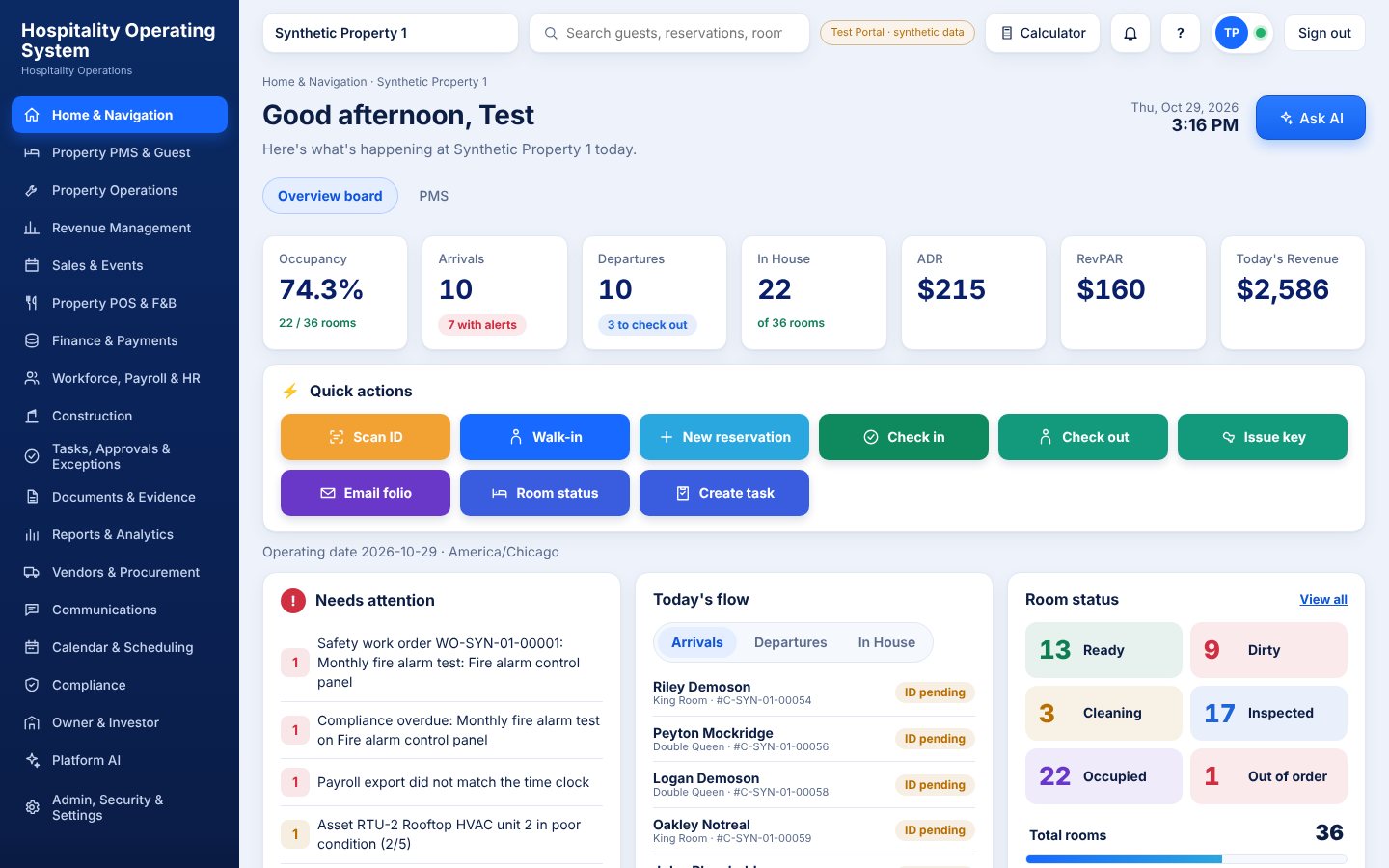
Home board
Occupancy, arrivals, room status and everything that needs attention.
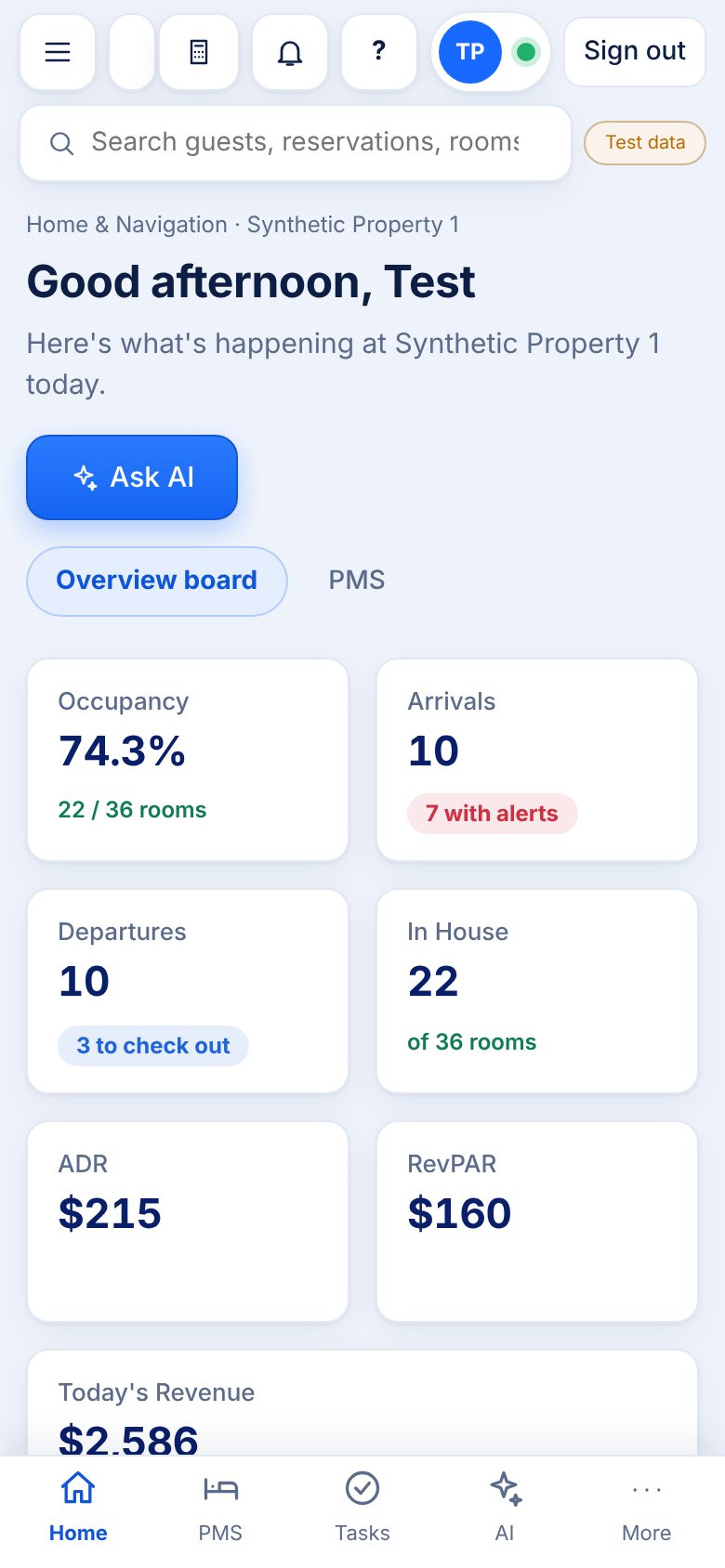
On every device
The same workflows on web, iPhone, iPad and Android.
Modules
From front desk to construction and investor reporting.
Workflows
Work moves between modules without re-typing.
The software tells you what needs you.
Instead of opening every report to find problems, an operator opens one board. Each item says what is wrong, which modules it touches and what to do next. Pick who you are.
Without Daji OS
Check the PMS, the accounting system, the payroll export, the maintenance log and a stack of spreadsheets every morning. Problems are found by whoever happens to look.
With Daji OS
One board ranks what needs attention across modules. Open it, act on the top item, and every connected record updates.
Items shown are illustrative samples. The real board is built from your own records, and what each person sees follows their permissions.
See how it works
Real screens from the running software. Pick a department.
Today at a glance
Occupancy, arrivals, departures, room status and everything that needs attention, with one-tap quick actions for the front desk.
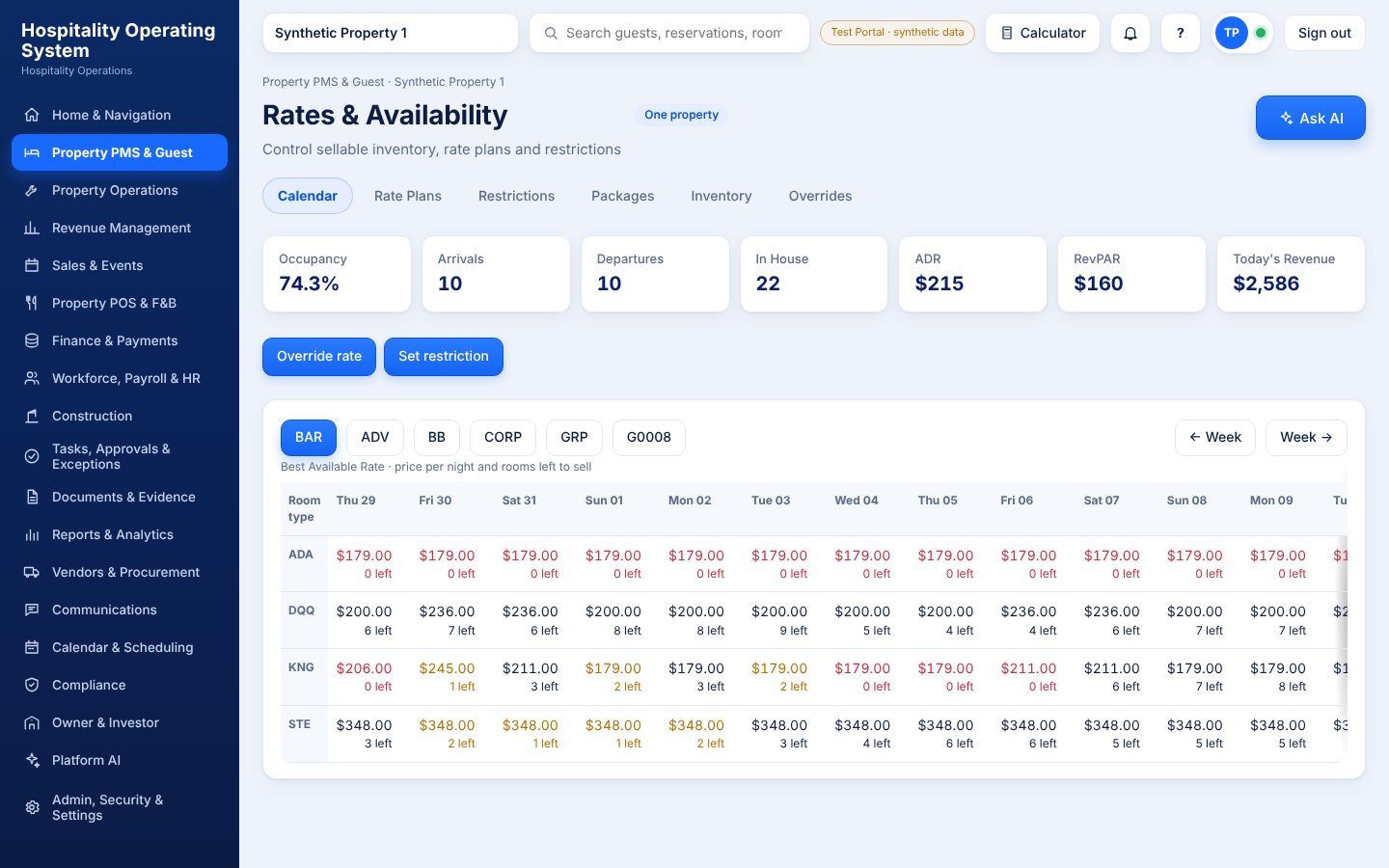
Rates across every plan
A calendar of rates and remaining rooms by room type, with rate plans, restrictions and overrides in one place.
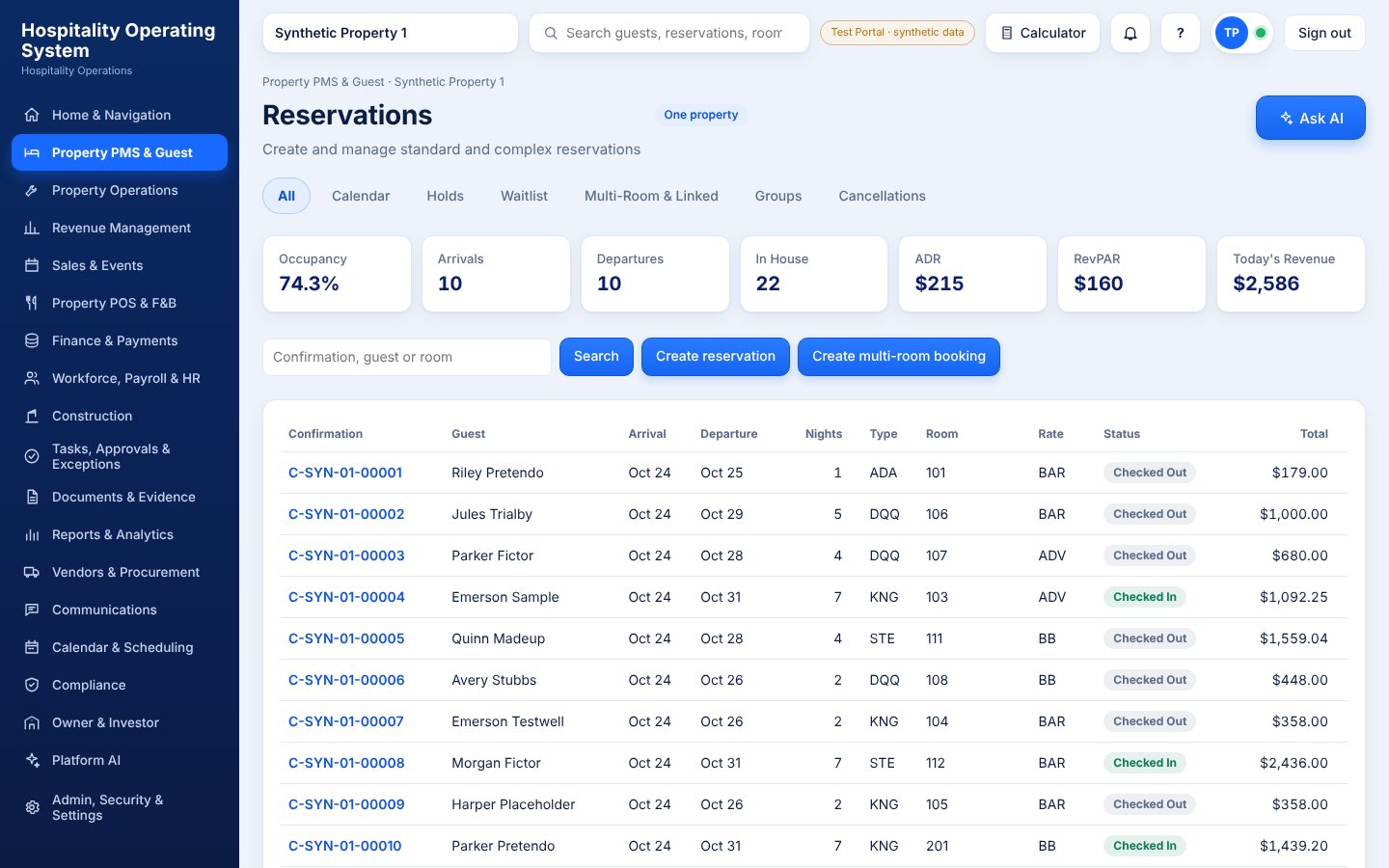
Every booking, one list
Search, create, group and multi-room bookings, with status, balance and room assignment on each row.
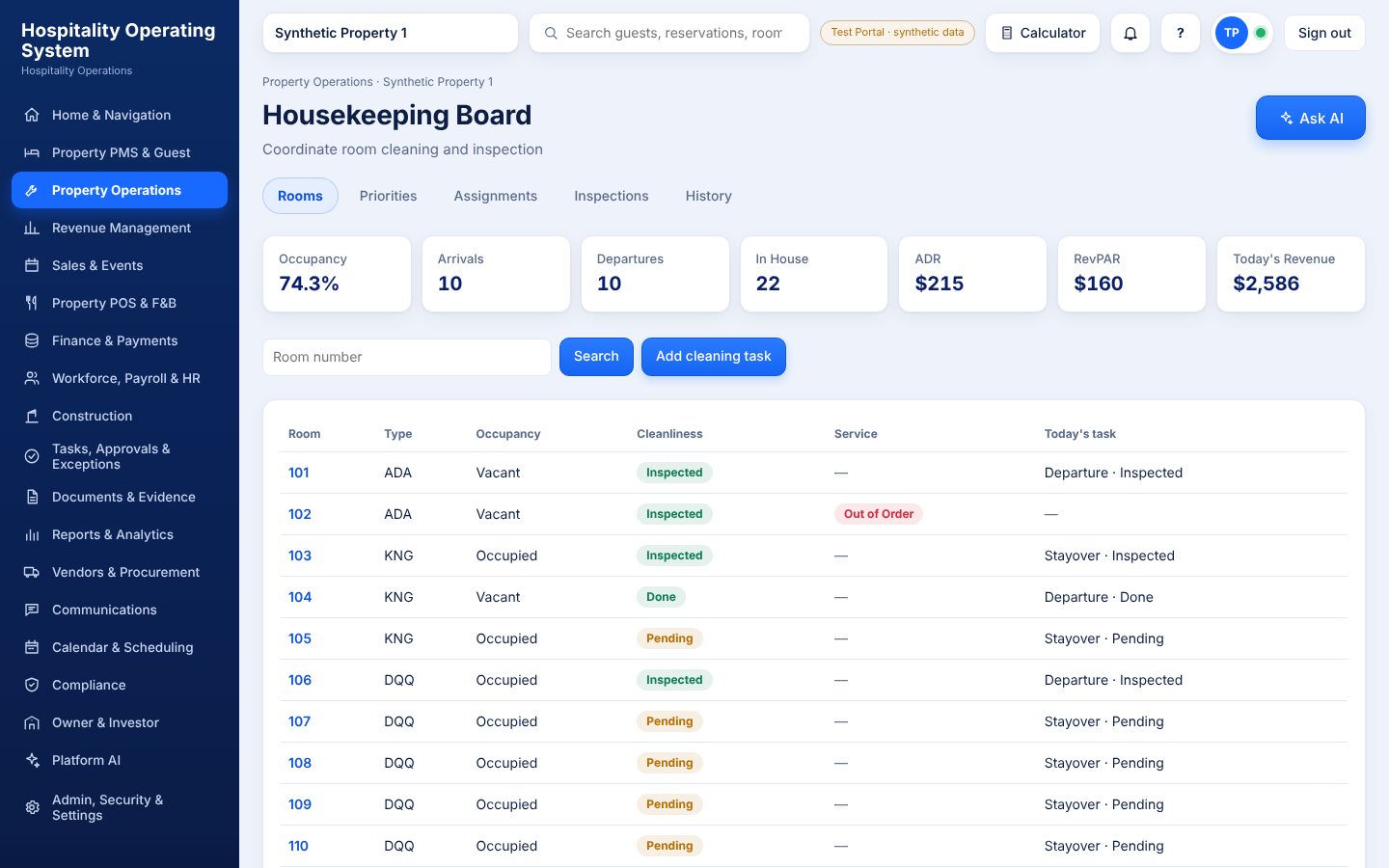
Rooms ready when guests are
Cleaning status, assignments, inspections and out-of-order rooms, feeding straight back to the front desk.
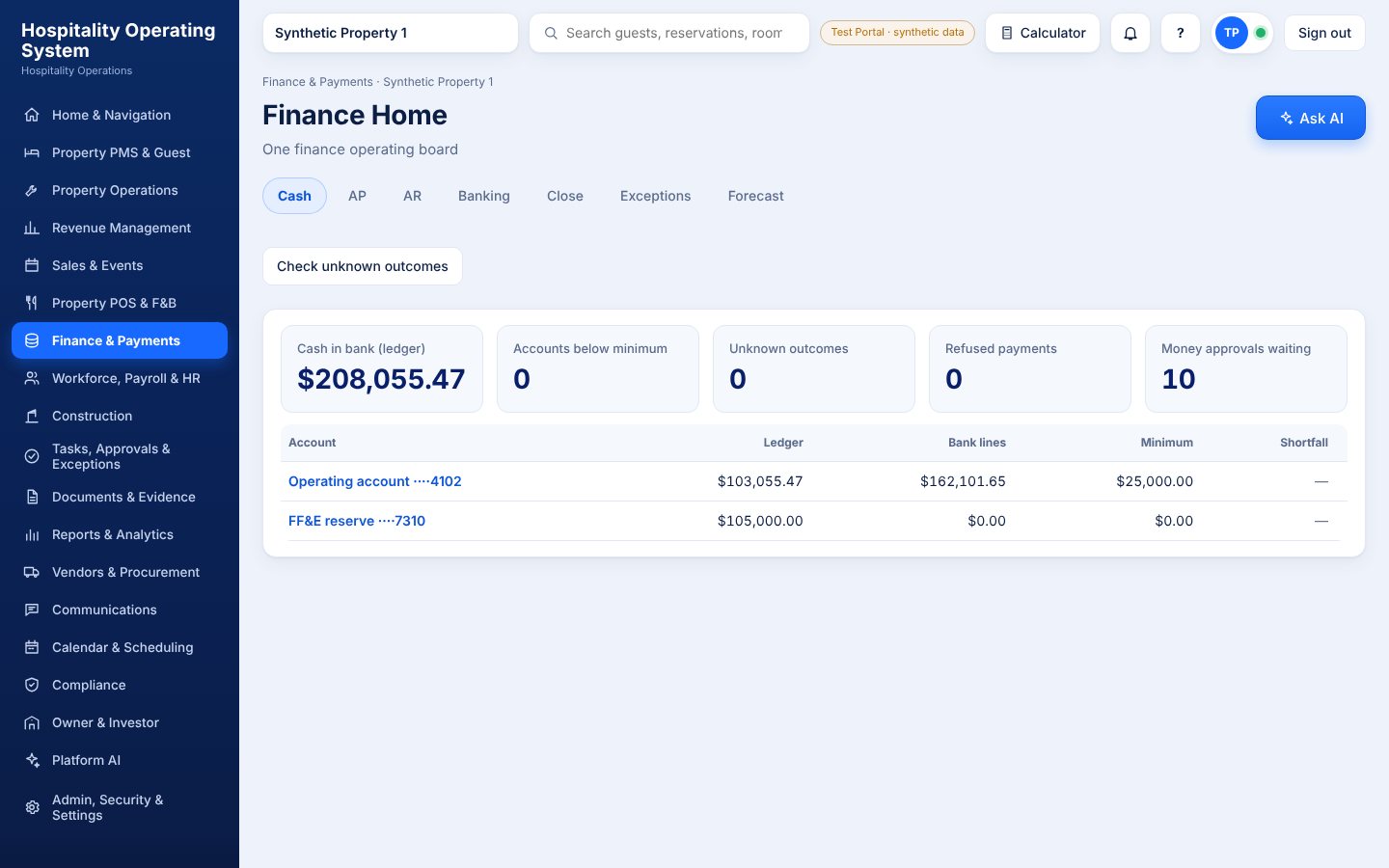
Cash and approvals
Bank and ledger balances, shortfalls and money approvals waiting, with Payables, Receivables, Banking and Close one tab away.
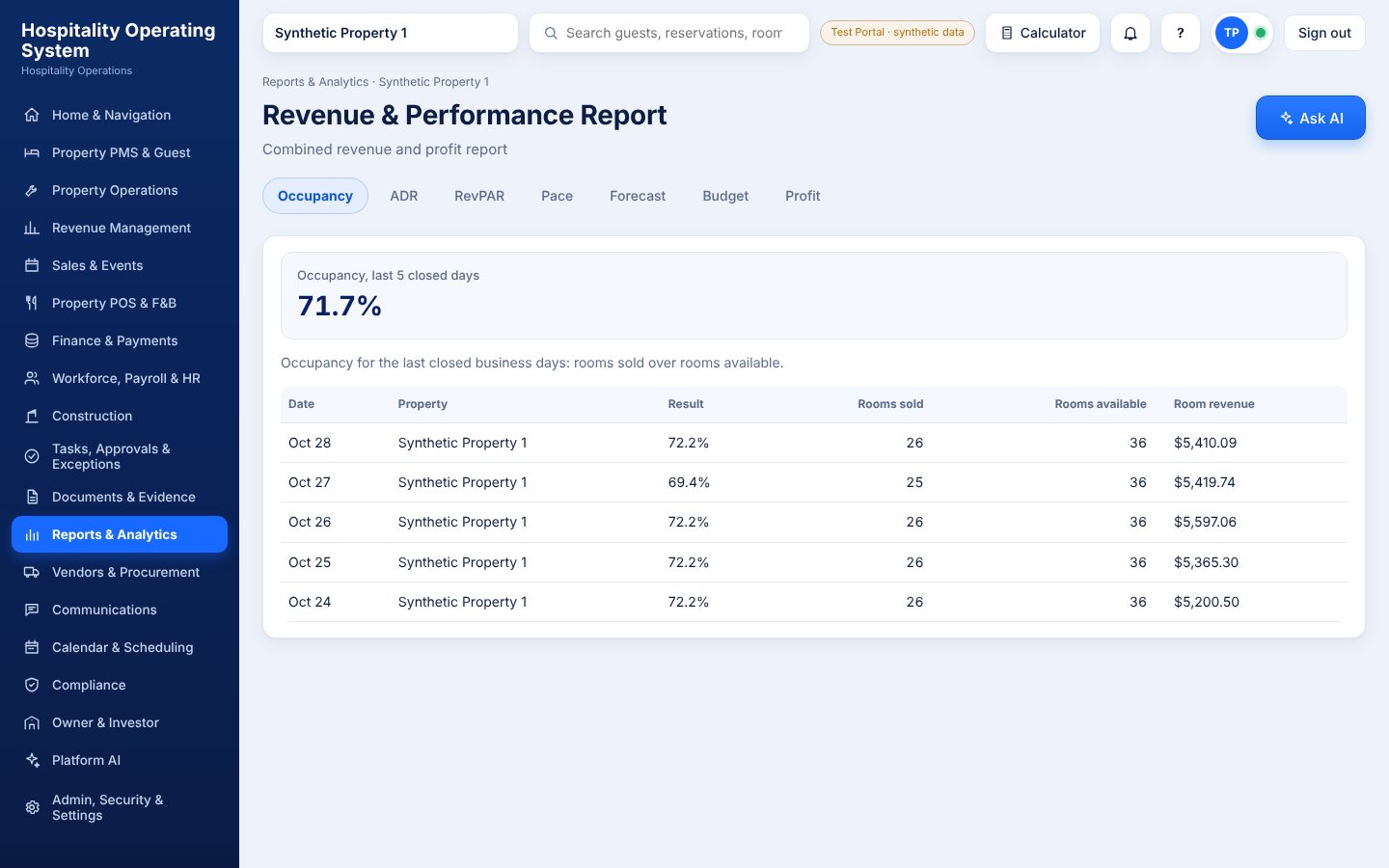
Numbers you can trust
Occupancy, ADR, RevPAR and pace reports by property, built from the same records the front desk uses.
Nineteen modules, one platform
Every department has its own working area, and all of them share the same guests, rooms, people, documents and ledger.
Every module is wired to the ones it depends on.
Select a module to see what it sends and receives. Nothing is re-keyed, so a change in one place is visible everywhere it matters.
Select a module
Click or tap any circle.
Platform AI works across all of them, within each person's permissions.
Modules hand work to each other
Each step is done in the module that owns it, then the record moves on. Three of the ten journeys are shown here.
Booking to checkout and back to housekeeping.
- 1ReservationProperty PMS & Guest
- 2ID and DNR checkProperty PMS & Guest
- 3RegistrationProperty PMS & Guest
- 4Room assignedProperty PMS & Guest
- 5Payment readinessFinance & Payments
- 6Check-inProperty PMS & Guest
- 7Key issuedProperty PMS & Guest
- 8Charges from stayProperty POS & F&B
- 9FolioFinance & Payments
- 10CheckoutProperty PMS & Guest
- 11Room cleanedProperty Operations
- 12Guest historyProperty PMS & Guest
Controls and AI. Keys are issued only after eligibility checks. AI drafts messages and never issues keys or overrides a do-not-rent flag.
From the first inquiry to the final banquet bill.
- 1Inquiry or online RFPSales & Events
- 2Displacement and profitRevenue Management
- 3ProposalSales & Events
- 4Contract and signatureDocuments & Evidence
- 5Room block and event spaceProperty PMS & Guest
- 6Event orders, menus and resourcesProperty POS & F&B
- 7Deposits and scheduleFinance & Payments
- 8Master folio and routingProperty PMS & Guest
- 9Banquet billingFinance & Payments
- 10CloseSales & Events
Controls and AI. Rate, contract and deposit approvals apply. AI drafts proposals and flags space conflicts.
From estimate to turnover and closeout.
- 1EstimateConstruction
- 2BudgetConstruction
- 3Bid and awardConstruction
- 4ContractDocuments & Evidence
- 5Schedule and constraintsConstruction
- 6Field work, drawings and materialsConstruction
- 7RFIs, submittals and changesConstruction
- 8Change approvalTasks & Approvals
- 9Invoices and paymentsFinance & Payments
- 10Punch list and warrantiesConstruction
- 11TurnoverConstruction
- 12CloseoutConstruction
Controls and AI. Change-order and payment approvals apply. AI summarizes risk and flags schedule and cost drift.
Your brand on every screen
Customers run Daji OS under their own name. Add your logo, colors, domain, email branding and your assistant's name, on the web and in the iPhone, iPad and Android apps. Try it.
- Logo and colorsLight and dark logos, app icon and brand colors.
- Own domainBooking, portals and login on your domain.
- Email brandingGuest email sent from your verified domain.
- App storesBranded iPhone, iPad and Android apps.
Built for owners who ask hard questions.
Every customer is walled off from the others, every change leaves a trail, and the AI assistant can suggest but never move money.
Build your hotel software the way you run your hotels.
Start in the Test Portal with synthetic data. Nothing touches real guests or money until you say so.
Get startedCustomer Portal sign inTalk to us about Daji OS.
Tell us about your hotel, group or management company and we will show you how the software would be set up.
Email sunny@skkyhospitality.com